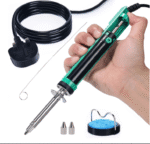


YIHUA 929D-V: Desolder Without Putting the Iron Down
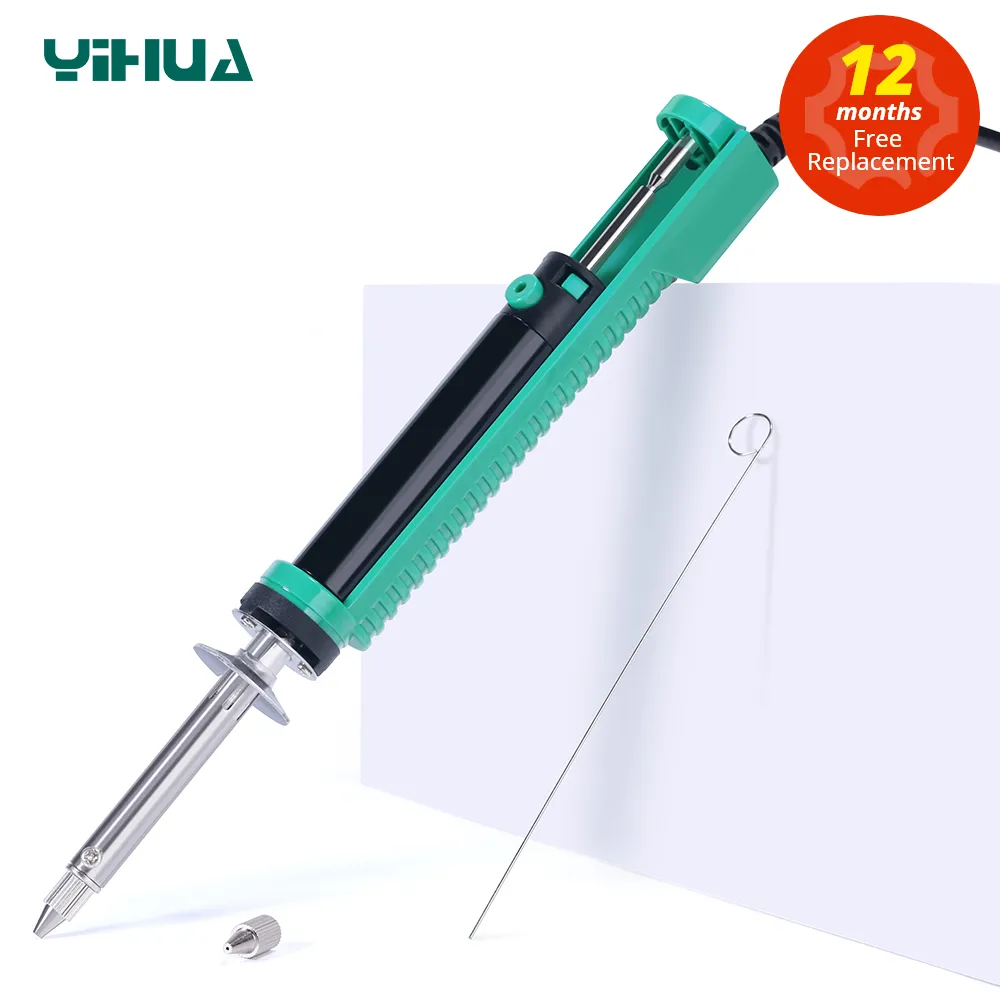
One-handed operation | 30W heating and vacuum in one tool | Φ1.0mm and Φ1.2mm nozzles | UK plug
Key Features
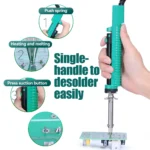
- Heating and suction in one hand: The heating element and the vacuum sit in the same tool, so one hand works the joint while the other holds the board steady. No swapping between an iron and a separate solder sucker while the joint cools.
- Built for multi-pin through-hole work: Designed for parts with several pins, such as LCD modules, nixie tubes, ICs and socket pins, where a manual pump loses the race against the solder re-solidifying.
- Ready in 3 to 5 minutes: Plug in and preheat. There is no station, no dial and no setup, which is the point of the tool.
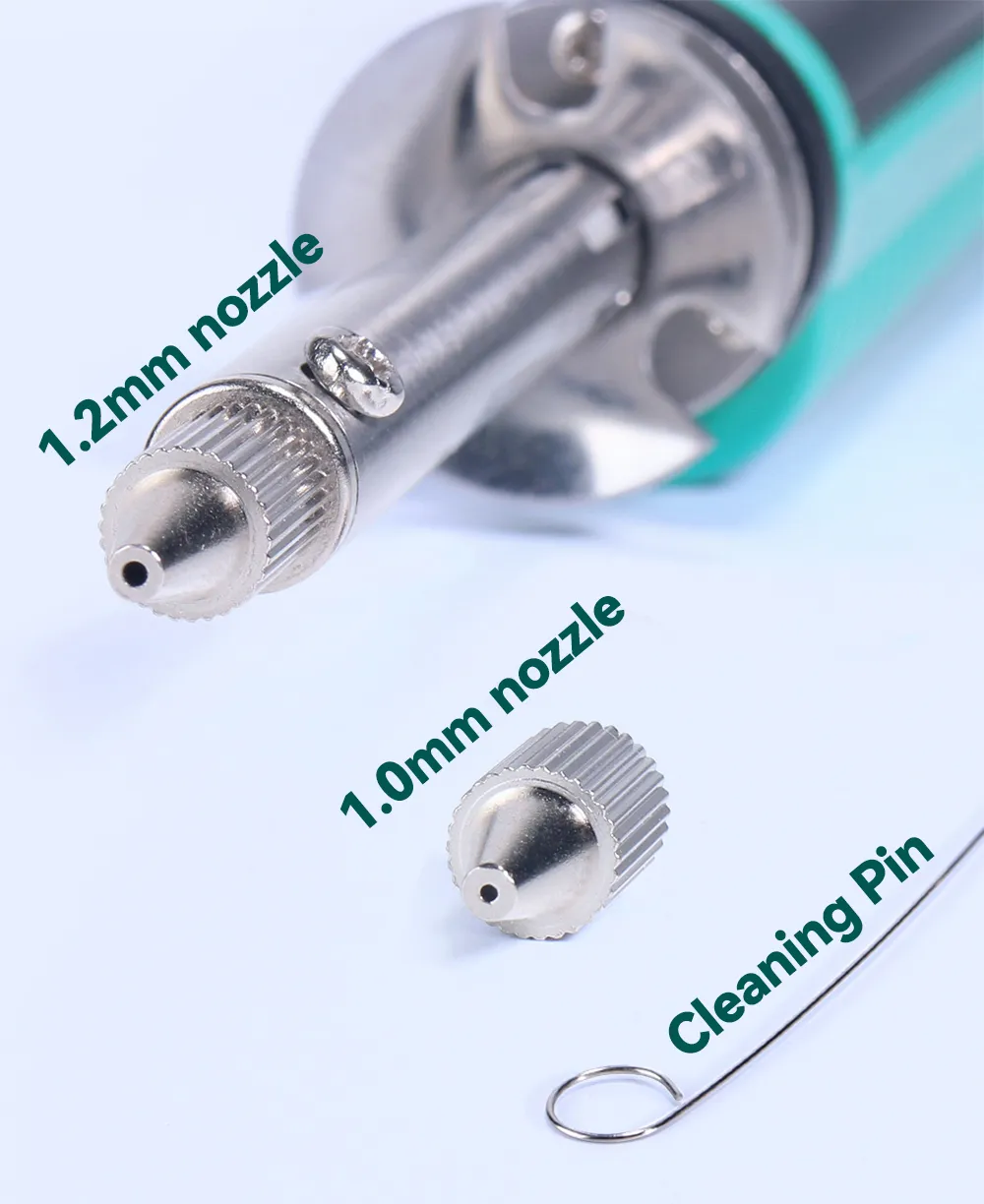
- Two nozzle sizes supplied: Φ1.0mm and Φ1.2mm so you can match the nozzle to the pad. The nozzle is a consumable and replaceable.
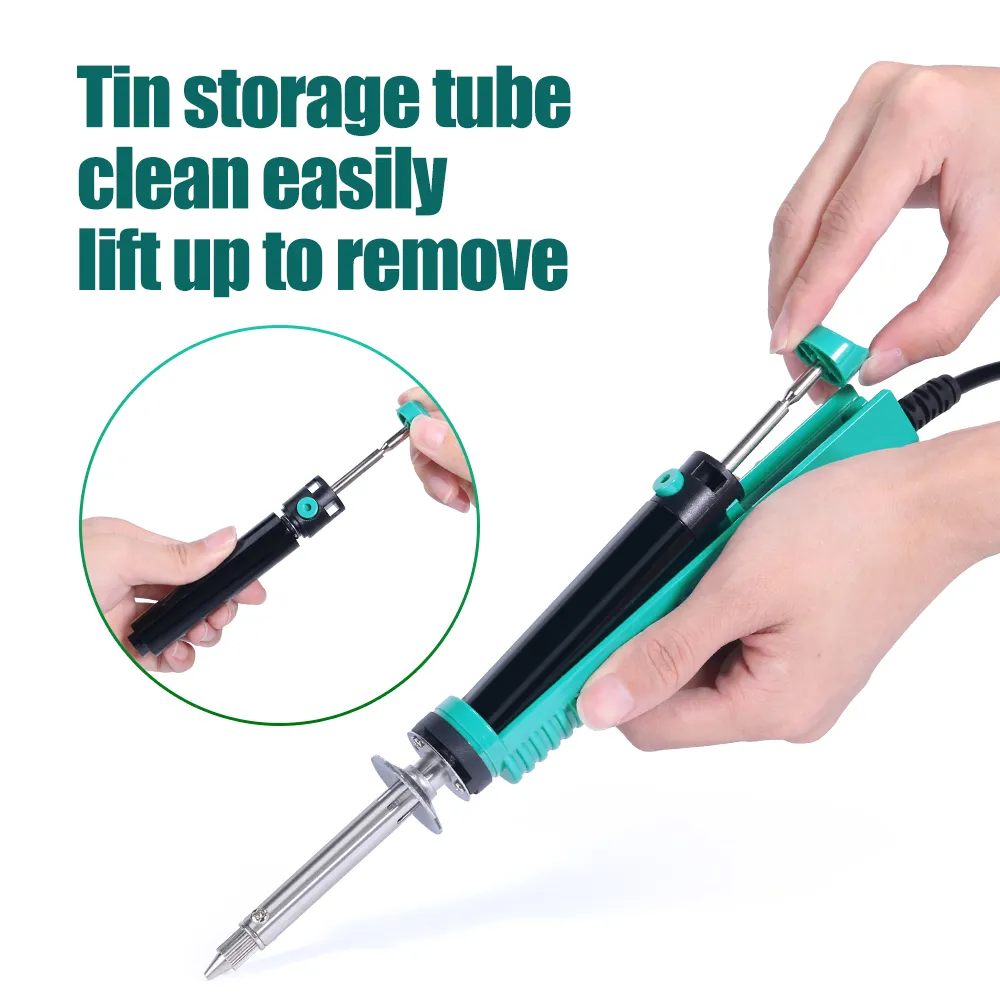
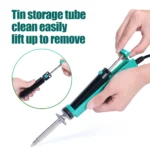
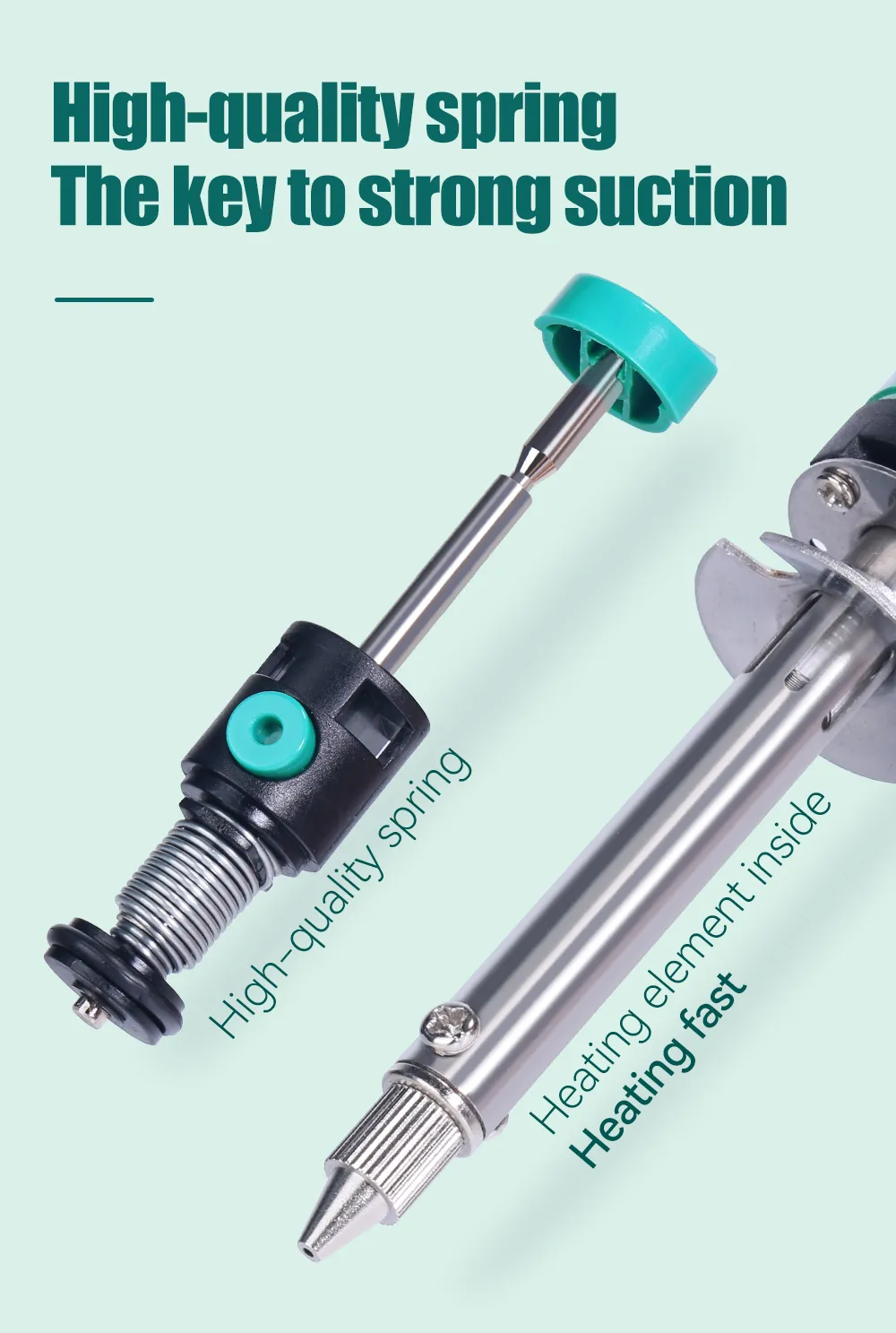
- Removable tin storage tube: Collected solder lifts straight out for emptying, which is the single thing that keeps suction strong.
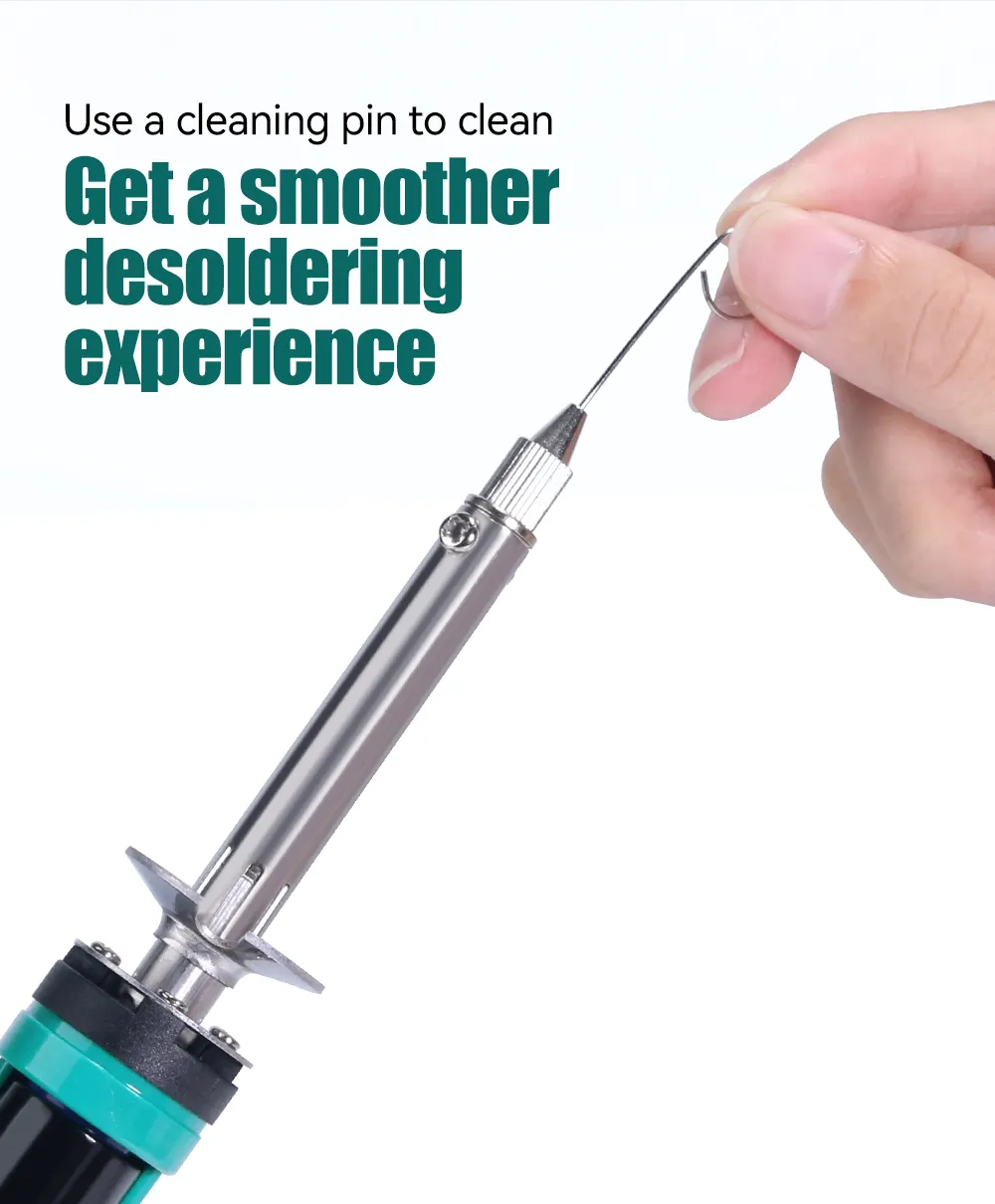
- Cleaning pin in the box: The one tool you actually need for upkeep, and the reason this thing lasts. Full procedure is below.
What This Tool Is, and What It Is Not
This is a handheld electric desoldering pump. The 30W element heats the joint and a spring-loaded vacuum pulls the solder out through the same nozzle, so you are not putting an iron down and grabbing a solder sucker while the joint goes solid. For pulling through-hole parts off a board it is the cheapest tool that genuinely changes the job.
It is not a desoldering station. There is no temperature control, no powered pump and no display. If you are recapping boards for hours at a time or want to set a temperature, the YIHUA 948D-III station has a powered vacuum gun and a 110W iron. This one is for occasional and hobby work, and at its price it does that well.
How to Use the YIHUA 929D-V
Straight from the official YIHUA operating instructions.
- First use only: coat the nozzle with a fresh layer of solder before you start, rosin core for preference. This stops it oxidising from the first heat cycle.
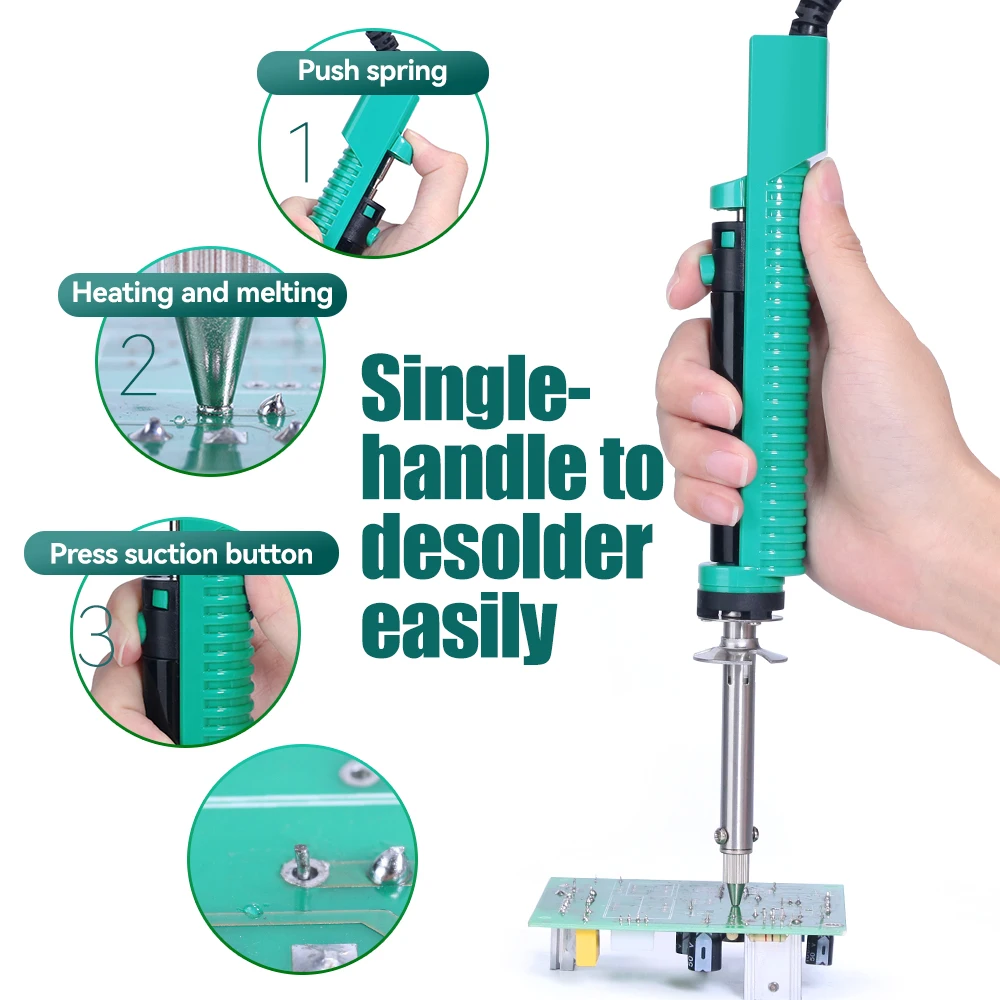
- Plug in and preheat for 3 to 5 minutes, then push the piston rod down to arm the vacuum.
- Cover the pin with the nozzle and let the joint melt completely. This is the step people rush.
- Press the desoldering button to draw the solder out, then lift away cleanly.
- Disconnect the power cord when you have finished. There is no standby on this tool.
If solder remains in the hole afterwards, re-solder the joint and repeat rather than picking at it.
Cleaning and Maintenance
This is what determines whether the tool lasts a month or years. Three parts get cleaned, and they are cleaned differently.
The nozzle, after every session
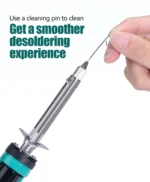
Heat the tool for about three minutes, then push the supplied cleaning pin through the nozzle to clear it. Clean it, then tin it with a fresh layer of solder before you put it away. A nozzle left dirty and untinned oxidises, and an oxidised nozzle is the most common reason people think the tool has failed.
The heating element, when suction drops
Let it cool, then remove the nozzle and the tin storage tube. Plug the tool back in and let it heat for about three minutes so any solder inside the element melts. Now clear the inner hole with the cleaning pin. The solder inside has to be molten before you clean, or you will achieve nothing.
If the cleaning pin will not pass through the inner hole even when the solder is molten, the heating element needs replacing.
The tin storage tube, whenever solder builds up
Switch off and wait until it is completely cool. Lift the storage tube up and pull it out, separate it and tip the scrap solder away. Letting scrap solder over-accumulate is what kills suction, and it is a thirty second job.
Dealing with an oxidised nozzle
A layer of oxidation makes it look as though the nozzle has stopped heating, when the element underneath is still perfectly hot. Do not respond by turning anything up.
- Heat the element for about three minutes, then rub the nozzle gently inside a ball of brass wool.
- Once some of the oxidation lifts, feed solder onto the nozzle while you keep rubbing, until it is completely coated again.
- If the nozzle is too far gone to clean, fit a new one. Nozzles are a consumable part.
Technical Specifications
| Specification | Details |
|---|---|
| Model | YIHUA 929D-V |
| Type | Handheld electric desoldering pump, heating and vacuum in one tool |
| Power Rating | 30W electric heating element |
| Operating Voltage | 220-240V AC, 50Hz (UK plug fitted) |
| Preheat Time | 3 to 5 minutes to working temperature |
| Nozzle Diameter | Φ1.0mm and Φ1.2mm supplied |
| Nozzle Material | Nylon |
| Handle Material | High-grade ABS with anti-skid grip |
| Control Unit Dimensions | 265 × 35 × 27 mm (±5mm) |
| Operating Ambient Temperature | 0°C to 40°C (32°F to 104°F) |
| Solder Collection | Removable tin storage tube |
| Consumable Parts | Desoldering nozzle, gaskets |
| Guarantee | 12 months |
| Returns | 60 days |
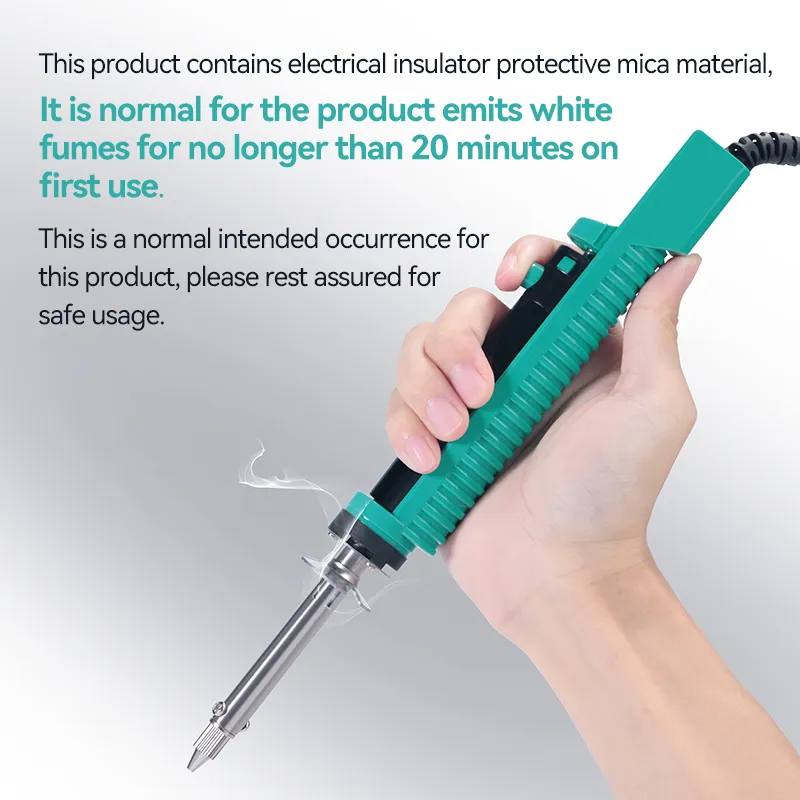
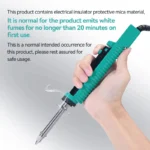
A printed manual is supplied in the box. During the first 20 minutes of use a small amount of white smoke from the element is normal, it is the insulating material curing.
What’s in the Box
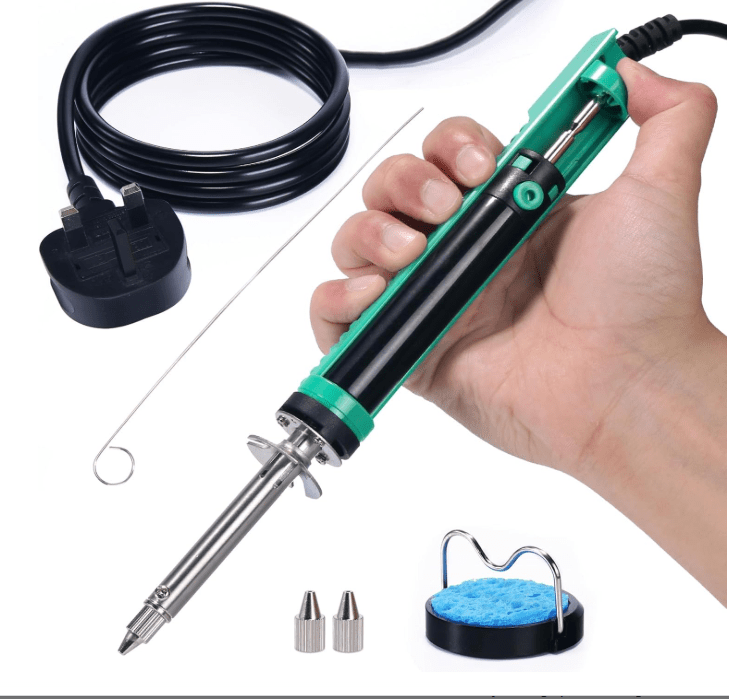
- 1 × YIHUA 929D-V electric desoldering pump
- 2 × desoldering nozzles (Φ1.0mm and Φ1.2mm)
- 1 × cleaning pin
- 2 × gaskets
- UK mains plug fitted
See It in Action
Frequently Asked Questions
How do I clean the YIHUA 929D-V?
Three parts need cleaning and they are cleaned differently. The nozzle: heat the tool for about three minutes, then push the supplied cleaning pin through the nozzle. The heating element: let it cool, remove the nozzle and the tin storage tube, plug the tool back in, heat for about three minutes so any solder inside melts, then clear the inner hole with the cleaning pin. The storage tube: switch off, let it cool completely, lift it out and tip the scrap solder away. Do the nozzle after every session and the storage tube whenever solder builds up.
Does the 929D-V have a filter that needs replacing?
No. This tool has no filter. Solder collects in a removable tin storage tube that you empty and refit, and the consumable parts are the nozzle and the gaskets. If you are looking for filter replacements you may be thinking of a fume extractor, which is a different product and does use ceramic and carbon filters.
Where can I get the user manual?
The full operating and maintenance procedure from the official YIHUA manual is written out on this page, in the How to Use and Cleaning and Maintenance sections above. If you need the printed manual, one is supplied in the box.
The nozzle will not melt solder any more. Is it broken?
Usually not. A layer of oxidation on the nozzle makes it look like the tool has stopped heating when the element underneath is still hot. Do not turn anything up. Heat for about three minutes, rub the nozzle gently in brass wool, then feed solder onto it while you rub until it is fully coated again. Never use a metal file. If the nozzle is too far gone, or it has deformed or rusted, fit a new one.
The heating light is on but nothing heats up. What now?
That points to a failed heating element rather than a blockage, and the element needs replacing. Worth ruling out a blocked element first: if the cleaning pin will not pass through the inner hole even after the solder inside has melted, the element needs replacing anyway.
Can I use it on multi-pin through-hole parts?
Yes, that is what it is designed for. It suits through-hole components with several pins such as LCD modules, nixie tubes, integrated circuits and socket pins. If a pin is stuck against the side of the hole, add fresh solder to melt the joint properly, work the nozzle back and forth until the pin moves freely, then press the button.