

Arduino Compatible Boards
Arduino compatible boards from UK, cheaper alternatives to official boards with same functionality. UNO, Nano, Mega clones in stock. No minimum order. Popular with students and hobbyists for cost-effective prototyping.
More affordable than their official counterparts.
Explore our electronic testing equipment, soldering iron kits, sensor boards and DC to DC converters.
Showing 1–15 of 19 resultsSorted by price: high to low
- Price range: £35.60 through £38.50Select options This product has multiple variants. The options may be chosen on the product page
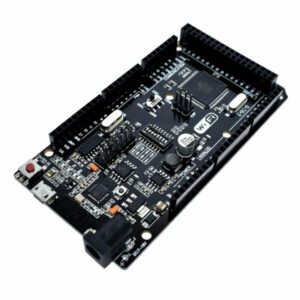
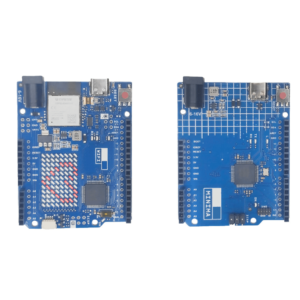 Price range: £6.90 through £12.90Select options This product has multiple variants. The options may be chosen on the product page
- £12.90Select options This product has multiple variants. The options may be chosen on the product page

- Price range: £5.45 through £7.90Select options This product has multiple variants. The options may be chosen on the product page
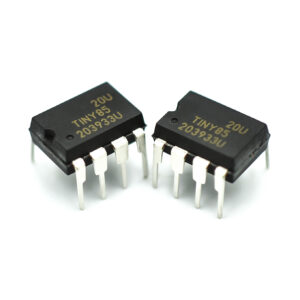
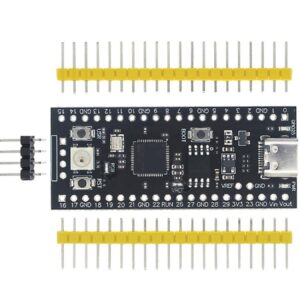 £4.90Select options This product has multiple variants. The options may be chosen on the product page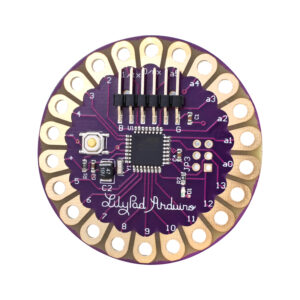
- Original price was: £5.90.£3.90Current price is: £3.90.Select options This product has multiple variants. The options may be chosen on the product page
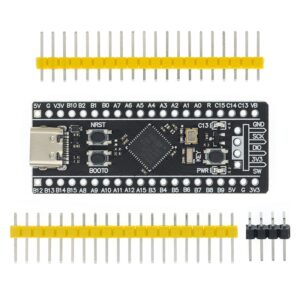
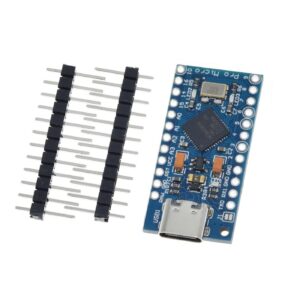

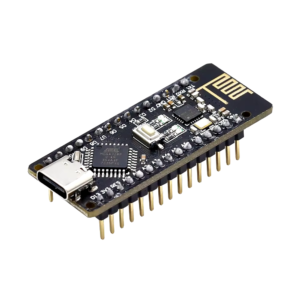
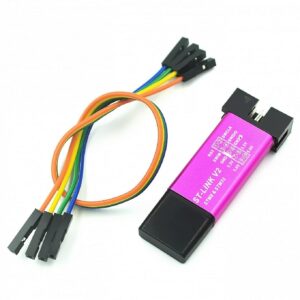
Showing 1–15 of 19 resultsSorted by price: high to low
What Is the Best Arduino Board for Beginners?
The Arduino Uno R3 clone is the best board for beginners. It uses the ATmega328P microcontroller chip with 14 digital pins, 6 analog inputs, and 32KB of flash memory. The standard USB-B connector and 5V logic level make it work with every beginner tutorial online.
The Uno R3 fits directly into Arduino add-on boards called shields. Shields are plug-in development boards that add features like motor control, Ethernet, or LCD displays. No soldering or wiring is needed. This makes the Uno the fastest way to build your first project.
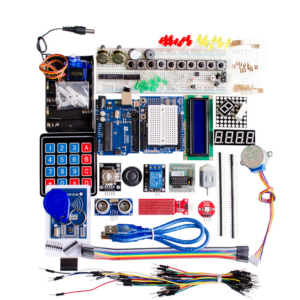
Most beginners get more value from a starter kit. Kunkune’s Arduino starter kits include an Uno R3 clone with sensors, LEDs, resistors, a breadboard, and jumper wires in one box. A kit saves 40–60% compared to buying each part separately.
If you are completely new to Arduino, our beginner roadmap walks you through every step from unboxing to your first working project.
Which Arduino Should I Buy?
The right Arduino development board depends on your project. The Uno R3 suits most beginners and general projects. The Nano V3 fits breadboard builds and tight spaces. The Mega 2560 handles large projects with many pins.
| Board | Chip | Digital Pins | Analog Pins | Flash | Best For |
|---|---|---|---|---|---|
| Uno R3 | ATmega328P | 14 | 6 | 32 KB | Beginners, shields |
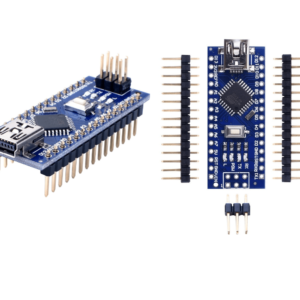
| Nano V3 | ATmega328P | 14 | 8 | 32 KB | Breadboard, compact builds |
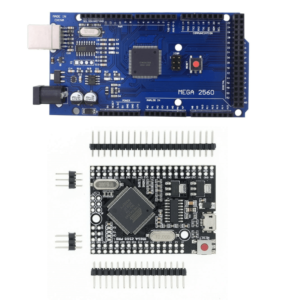
| Mega 2560 | ATmega2560 | 54 | 16 | 256 KB | Robotics, LED matrix, 3D printers |
| Uno R4 WiFi | RA4M1 (ARM) | 14 | 6 | 256 KB | IoT, WiFi projects |
| Pro Micro | ATmega32U4 | 18 | 9 | 32 KB | USB keyboards, macros |
| LilyPad | ATmega328P | 14 | 6 | 32 KB | Wearable e-textiles |
The Uno and Nano share the same ATmega328P chip and run identical code. The only real difference is size and form factor. The Mega uses the more powerful ATmega2560 with 8 times more flash memory and nearly 4 times more pins.
For an Arduino-compatible ARM development board, the Uno R4 WiFi uses a 32-bit Renesas RA4M1 ARM Cortex-M4 processor. It runs at 48 MHz with 256KB flash, WiFi 4, and Bluetooth 5.1. This is the most powerful Arduino-compatible board Kunkune stocks.
For a deeper breakdown, see our ranked board guide for 2026. If you are choosing between the two most popular options, our Uno vs Nano comparison covers pinout, power, and project fit.
How Much Do Arduino Clone Boards Cost?
Arduino clone boards at Kunkune start from £2.90. The cheapest Arduino-compatible board is the Pro Mini at £3.90. The Uno R3 clone starts from £3.90. The Nano V3 clone starts from £4.90. The Mega 2560 clone starts from £13.90.
Official Arduino boards cost £20–£35 for an Uno and £35–£45 for a Mega in the UK. Kunkune’s clone boards use the same ATmega microcontroller chips, run the same code, and accept the same shields. The only differences are the brand name and the USB-to-serial chip (CH340 instead of FTDI).
Kunkune is a UK-based Arduino supplier with all boards in stock. Orders are dispatched within 1 working day with delivery in 1–2 days. No minimum order. Free shipping on orders over £25. Every board is backed by a 12-month guarantee and 60-day returns.
For a full comparison of UK Arduino suppliers by price and shipping, read our UK buying guide.
Are Arduino-Compatible Clone Boards Reliable?
Yes. Arduino clones use the same ATmega microcontroller chips and the same bootloader as official boards. The code you upload runs on the same silicon. The Arduino IDE does not distinguish between a clone and an original.
The main hardware difference is the USB-to-serial chip. Official Arduino boards use FTDI chips. Most clones, including all Kunkune boards, use the CH340 chip instead. Both convert USB data to serial data in the same way. The CH340 works plug-and-play on Windows 10 and Windows 11.
Kunkune tests every development board before stocking. Every board comes with a 12-month guarantee and 60-day easy returns. If a board arrives faulty, we replace it.
Which Arduino Board Has Built-in WiFi?
The Uno R4 WiFi and the Uno WiFi R3 both have WiFi built into the board. The Uno R4 WiFi uses an ARM RA4M1 chip with WiFi 4 and Bluetooth 5.1. The Uno WiFi R3 pairs an ATmega328P with an ESP8266 module on a single board.
For dedicated WiFi and IoT projects, ESP32 development boards are a stronger choice. ESP32 has a dual-core processor, WiFi, Bluetooth, and more memory than any Arduino board. Kunkune stocks over 25 ESP32 and ESP8266 boards from £3.90. Browse our full ESP32 range or see the compact Wemos D1 Mini with stackable shields for small IoT builds.
To understand how Arduino compares to ESP32 and Raspberry Pi, read our microcontroller comparison guide.
How Do I Choose the Right Development Board?
Start with the project requirements. Count how many sensors, motors, or outputs you need. That tells you how many pins the board must have.
For most beginner and mid-level projects, the Uno R3 clone is enough. It handles LEDs, temperature sensors, servos, relays, and LCD displays without running out of pins or memory.
Choose the Nano V3 when space is limited. The Nano fits directly into a breadboard and works well inside enclosures, wearable builds, or permanent installations.
Choose the Mega 2560 when you need more than 14 digital pins or more than 32KB of flash. Robotics, large LED arrays, CNC machines, and multi-sensor data loggers all benefit from the Mega’s extra capacity.
Add WiFi by choosing an ESP32 board or the Uno R4 WiFi. Add sensors from our sensor range. Expand your board with plug-in Arduino shields and add-on boards.
Do I Need to Install a Driver for CH340 Boards?
Most Arduino-compatible clone boards use the CH340 USB-to-serial chip. This chip lets your computer talk to the board through USB.
Windows 10 and 11 install the CH340 driver automatically through Windows Update. Plug in the board, wait a few seconds, and it appears in Device Manager under Ports.
Mac users need to download the CH340 driver from the manufacturer’s website. After installing, you may need to allow it in System Preferences under Security and Privacy.
Linux has built-in kernel support for CH340. No installation is needed.
The most common connection problem is not the driver. It is the USB cable. Some USB cables are charge-only and do not carry data. If your board is not detected, try a different cable first.
For step-by-step instructions with screenshots, read our CH340 driver installation guide. If you run into errors uploading code, our Arduino troubleshooting guide covers the most common fixes.
Still deciding which Arduino to buy? For most beginners it’s the Uno; choose the Nano if space is tight, or a WiFi board for IoT. Compare prices across the full range of Arduino-compatible boards and current best sellers.