

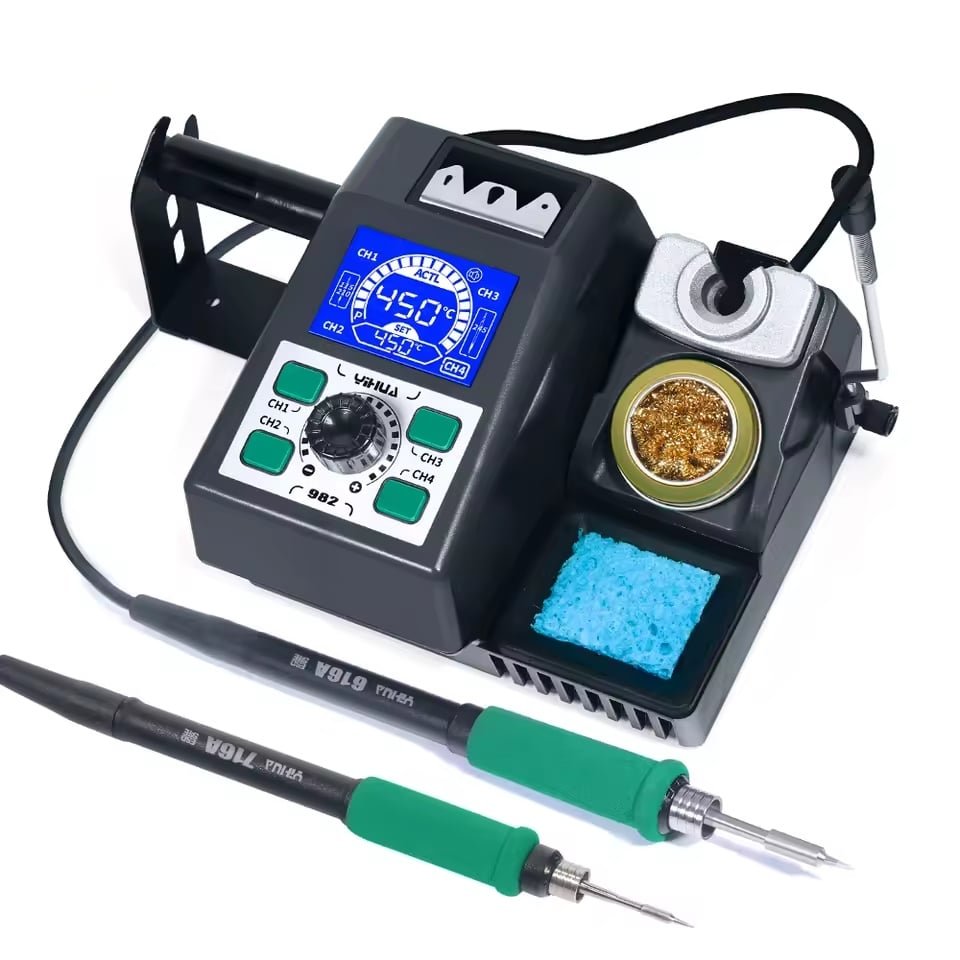


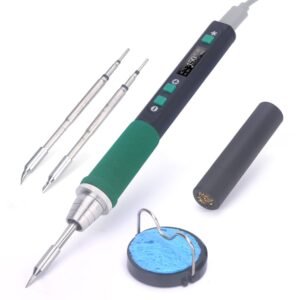


YIHUA 982: Cartridge Tips Without JBC Money
40W C210 | 60–120W C245 | PID Temperature Control | 4 Memory Channels
Key Features
- Two Cartridge Systems, One Station: Takes both the C210 handle at 40W and the C245 handle at 60–120W. Fine SMD work and heavy joints on the same bench without buying two irons. One handle runs at a time, so you swap rather than run both together.
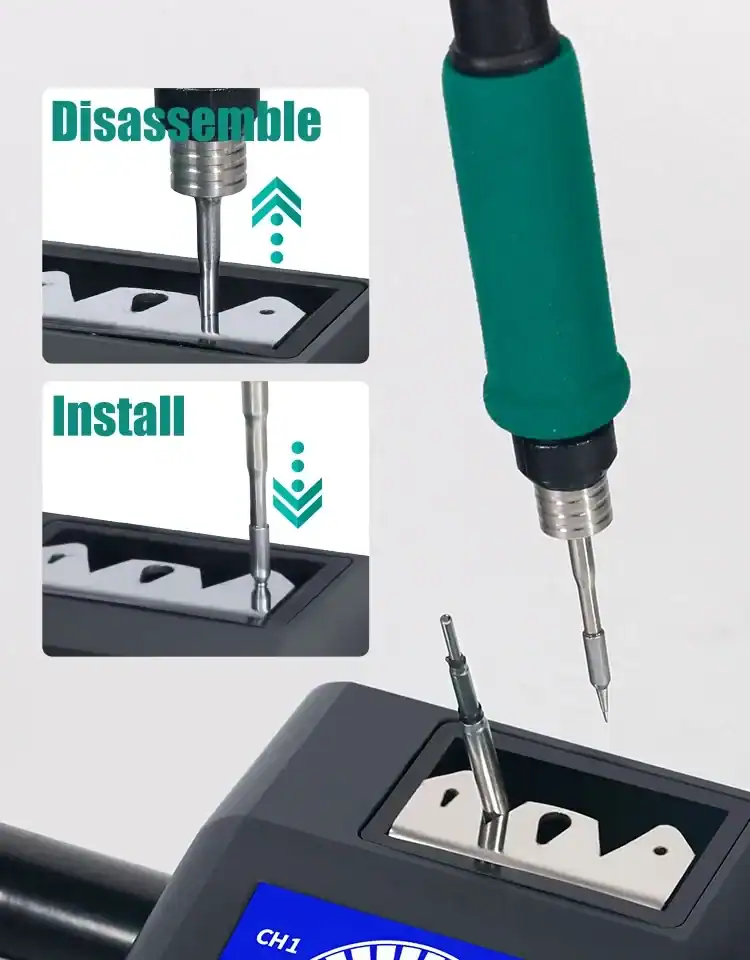
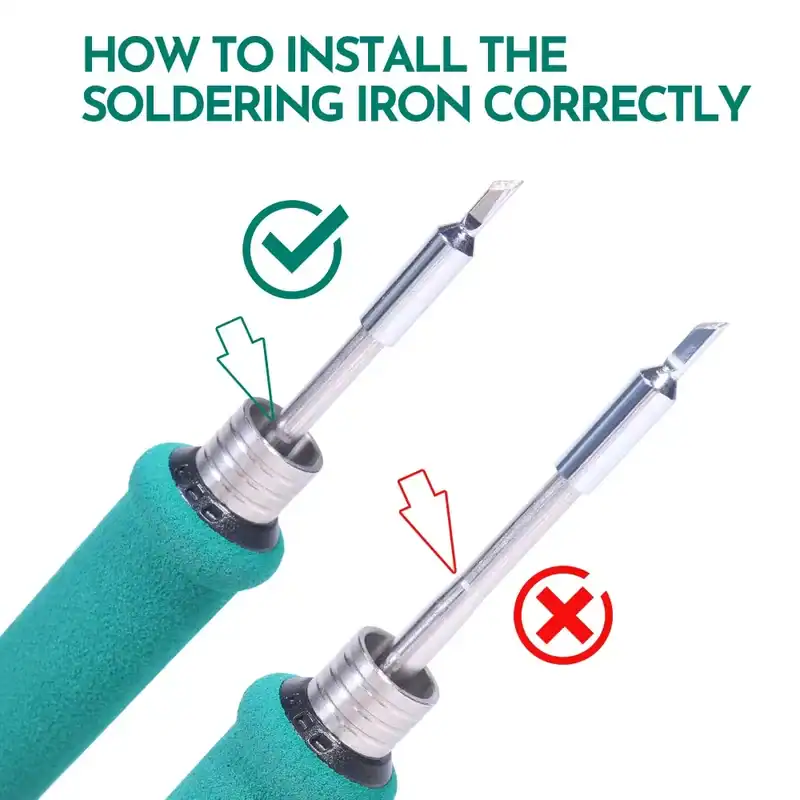
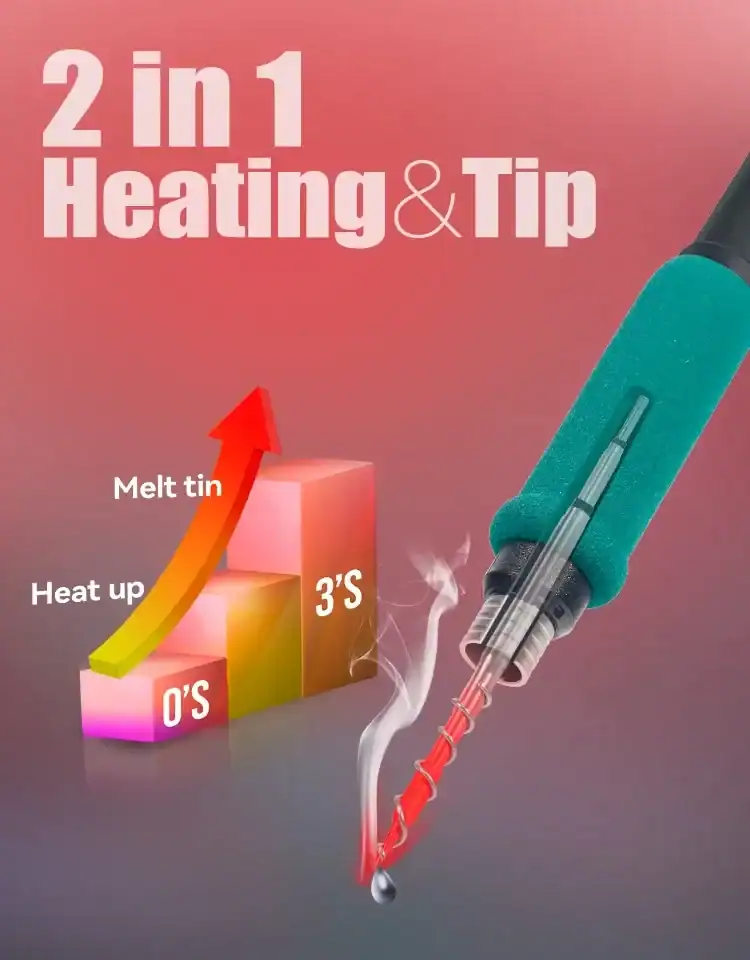
- Heats in Seconds, Not Minutes: The heating element and temperature sensor sit inside the cartridge itself rather than in the handle. Working temperature in 2–7 seconds, and it holds that temperature when you drop onto a ground plane.
- Four Memory Channels (CH1–CH4): Store your working temperatures and switch between leaded, lead-free and heat-sensitive work with one button instead of turning the dial every time.
- PID Temperature Control: Millisecond correction holds the set temperature under load, so the reading does not sag the moment the tip touches something that pulls heat away.
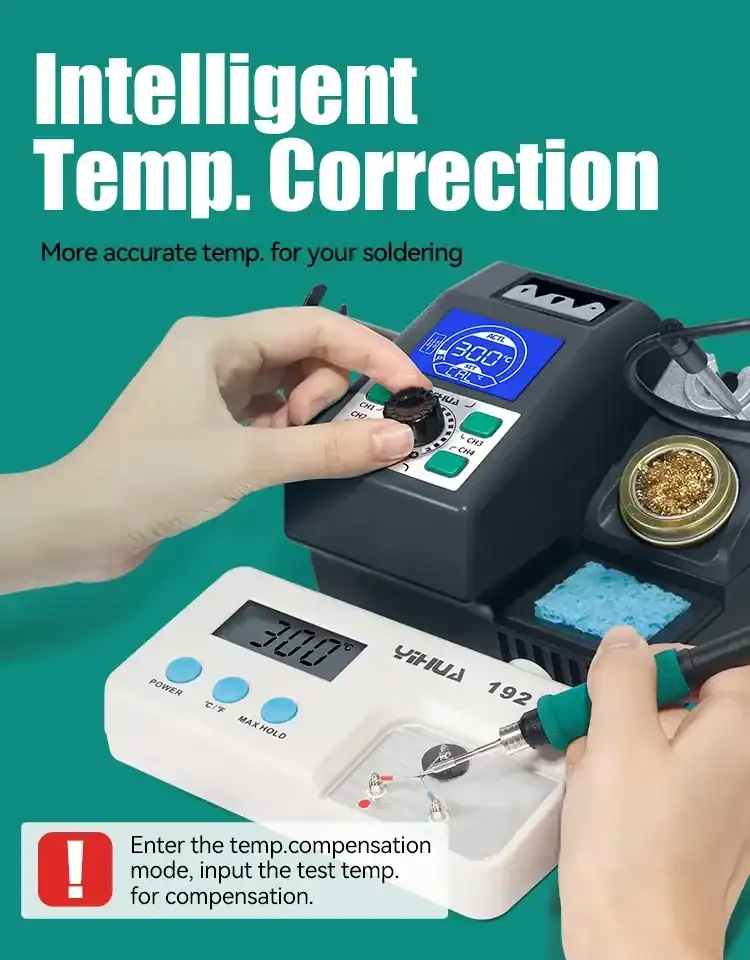
- Digital Temperature Compensation: Check the tip against a thermometer and correct any difference in the parameter menu, so the number on the display is the number at the tip.
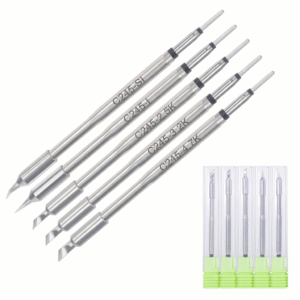
- Open Cartridge Standard: C210 and C245 are made by plenty of manufacturers, so cartridges stay cheap and available and you are not locked to one supplier for the life of the station. C245 and C210 cartridges stocked separately.
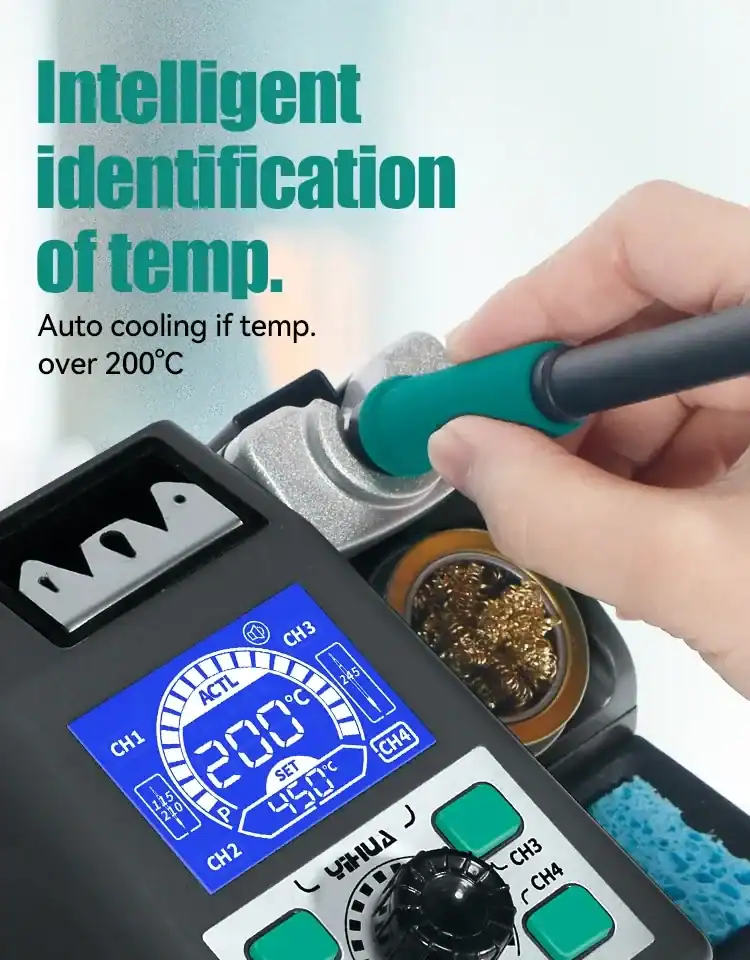
- Safety Built In: ESD protection, auto-standby that drops the iron to 200°C in the holder, automatic shut-down on extended idle, and a buzzer for status changes. 147 × 143 × 106 mm and 0.89 kg on the bench.

Product Description
The Owner’s Insights on the YIHUA 982
This is the station people buy when they want JBC-style cartridge tips and cannot justify JBC money. Both handles take real cartridge tips. The C210 runs at 40W for fine work, the C245 at 60 to 120W for everything else. The heating element and the temperature sensor sit inside the tip itself rather than in the handle, which is why it reaches working temperature in seconds and holds it when you drop onto a ground plane.
One thing to know before you order, because the product name does not make it obvious: the station takes two handles but drives one at a time. You swap between them. For most benches that is fine, because the reason you want both is that you move between fine work and heavy work, not that you need two irons running at once.
It is small for what it does, at 147 × 143 × 106 mm and 0.89 kg, so it earns its bench space. It suits board-level repair, connector work, and anything where you jump between 0402 parts and a battery tab in the same session. It suits you less well if you only solder through-hole kits. A 937D or a 939D-III does that job for less, and the tips cost a fraction of what cartridges cost to replace.
Which YIHUA 982 Should You Buy?
YIHUA has released the 982 in several versions and the model numbers do not make the differences obvious. If you have been reading forum threads and coming away more confused than you started, this is why. Here is what actually separates them.
| Model | Tip system | What it is |
|---|---|---|
| 982 | C210 | The original. Single C210 iron, PID control, anti-static design. |
| 982-I this one | C210 and C245 | Adds the C245 handle alongside the C210. Rapid-heating cartridges, PID control. |
| 982-II this one | C210 and C245 | Lead-free rework version of the 982-I. |
| 982-III | C210 and C115, or C245 | Sold in two different tip configurations, which is where most of the online confusion comes from. Much of the forum criticism you will read about “the 982” is about this model. |
| 982D | C210 and C245 | Built for micro-soldering under a microscope. Two second heat-up, built-in tools. |
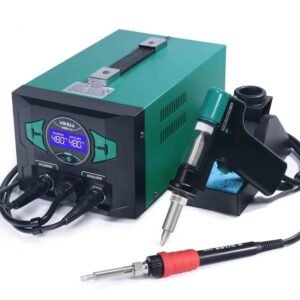
| 982D-I | Micro tweezers | Desoldering station with adjustable hot tweezers, colour LCD and an integrated tip cleaner. |
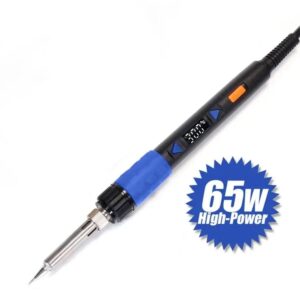
| 982-V | C245 only | 60W, 90 to 450°C. Temperature is set on the handle rather than on a base unit. |
| 982-VI | C235 | Cordless. Runs from an 18V or 20V power tool battery. |
On the criticism you will find online: most of it is aimed at the 982-III, which is a different model with a different handle configuration. On the station we actually sell, we have not had a single return request.

C210 or C245: Which Tips Do You Need?
| C210 | C245 | |
|---|---|---|
| Power | 40W | 60–120W |
| Best for | Fine SMD, 0402 and smaller, IC legs, flex cable | Through-hole, connectors, ground planes, battery tabs, wire |
| Tip profile | Slim, low thermal mass | Larger, holds more heat |
| Buy one set first? | Add later | Start here |
If you are only buying one set to start with, buy C245. It handles most work, including a fair amount of SMD. The C210 is what you add later, when you find yourself on something the C245 tip is physically too big to reach.
Why Buy a YIHUA Station
YIHUA has been building soldering and rework equipment since the 1990s and sells mainly into the repair trade rather than through retail. What they are known for is putting cartridge-tip technology into stations at a fraction of what JBC and Hakko charge for it. The practical benefit to you is tip supply. C210 and C245 are an open standard, so cartridges are cheap, widely available, and you are not locked to one supplier.
Technical Specifications
| Specification | Details |
|---|---|
| Power Consumption | C210: 40W / C245: 60–120W |
| Voltage Range | 110V–240V AC, 50–60Hz (auto-switching) |
| Temperature Range | 90°C to 450°C (194°F to 842°F) |
| Temperature Control | Precision PID with millisecond adjustment |
| Heating Speed | 2–7 seconds to operating temperature |
| Tip Standard | C210 and C245 cartridge |
| Simultaneous Handle Operation | No, one handle at a time |
| Memory Channels | 4 (CH1 to CH4) |
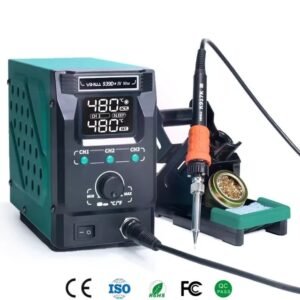
| Display | Backlit LCD, actual and set temperature shown together |
| Standby | Auto-cools to 200°C when the iron is docked |
| Safety Features | ESD protection, auto-standby, automatic shut-down, thermal protection |
| Dimensions | 147 × 143 × 106 mm |
| Weight | 0.89 kg (±10%) |
| Operating Environment | 0°C to 40°C ambient temperature |
What’s in the Box
- Main soldering station with backlit LCD
- Helping hands for holding your work
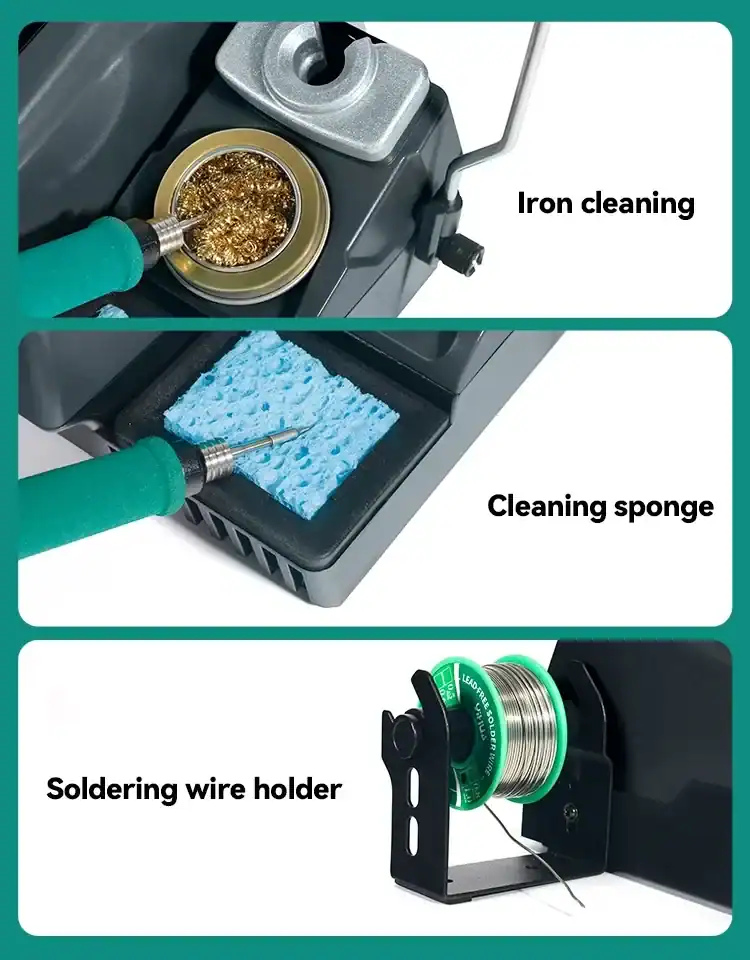
- Brass wool cleaner for tip maintenance
- Solder wire dispenser
- Complete instruction manual
Setting Up and Getting the Best From It
Set your working temperature with the dial and store it to one of the four memory channels. Most people end up with one channel for leaded work, one for lead-free, and one low channel for heat-sensitive parts. After that it is a single button press rather than a dial-turn every time you change job.
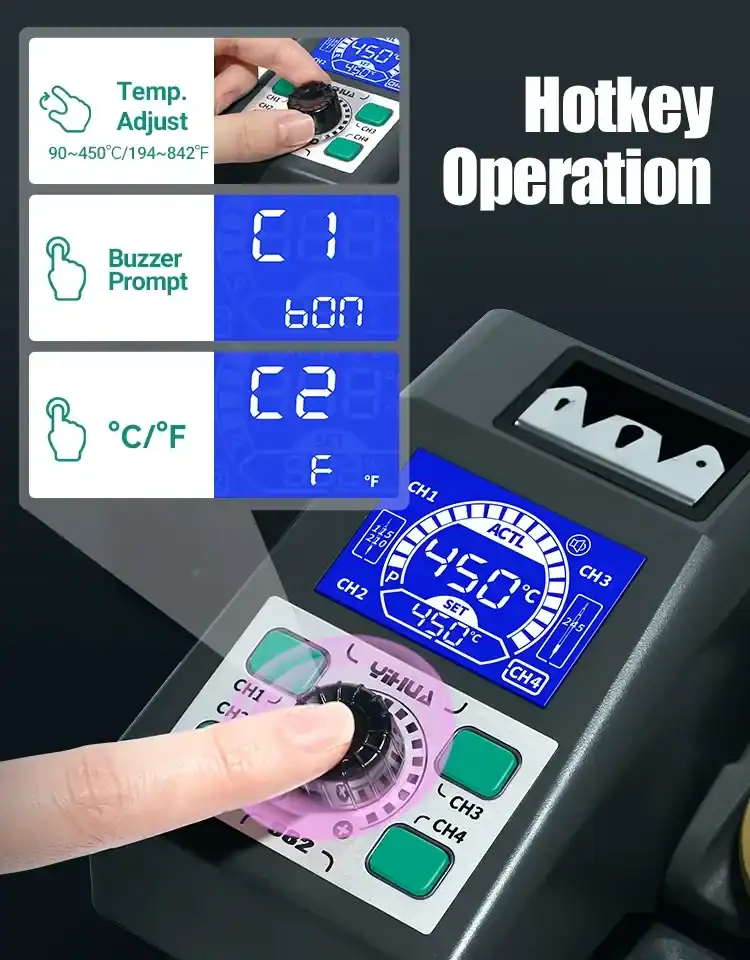
Rough starting temperatures: around 300 to 320°C for leaded solder on small joints, 330 to 360°C for lead-free, and higher only when a large pad or a ground plane is pulling heat away faster than the tip can replace it. Turning the temperature up to fix a slow joint is usually the wrong answer. A bigger tip is usually the right one.
If you own a tip thermometer, check the tip against the display and use the temperature compensation menu to correct any difference. It takes a minute and means the number on the screen is the number at the tip.
Park the iron in the holder rather than switching the station off between joints. It drops to 200°C on its own and comes back up in seconds, and thermal cycling is what wears cartridges out. Wipe on the brass wool rather than the wet sponge where you can, since the sponge pulls tip temperature down every time you clean.
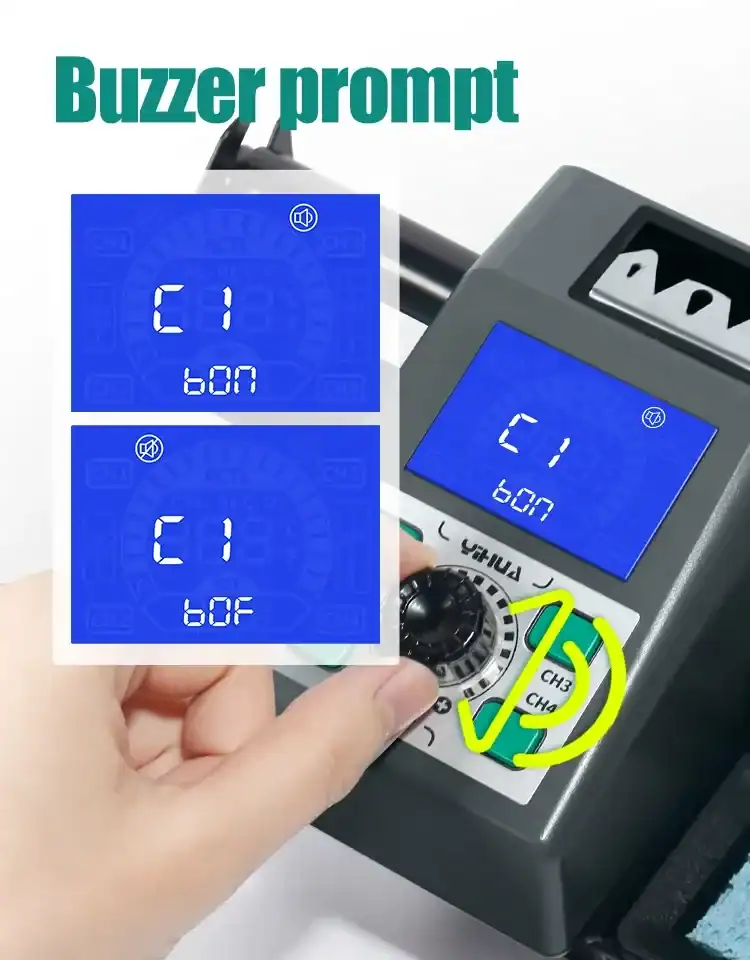
The buzzer can be switched on or off in the parameter menu, along with the temperature unit. Both are worth setting before your first session.
See It in Action
Frequently Asked Questions
Can I use JBC tips in it?
The station takes C210 and C245 cartridges, the same format JBC uses, so C210 and C245 tips from other manufacturers fit. The handle itself is not a JBC handle and will not plug into a JBC station.
Can both handles run at the same time?
No. The station takes both the C210 and C245 handles, but drives one at a time. You swap between them.
Are the handles interchangeable with other 982 models?
No. The 982-III uses a four-pin handle connector and the original 982 a five-pin. Order the handle that matches your model.
Does it come with a manual?
Yes. A complete instruction manual is in the box, along with four cartridges, helping hands, a brass wool cleaner and a solder wire dispenser.
Is it good for beginners?
It is more station than a beginner needs, and cartridges cost more to replace than 900M-series tips. If you are starting out on through-hole work, a 937D or 939D will teach you the same skills for less. If you already know you are doing board repair, start here.

Reviews
There are no reviews yet.