



LCD 1602 Module with I2C Backpack — 2-Line 16-Character Display
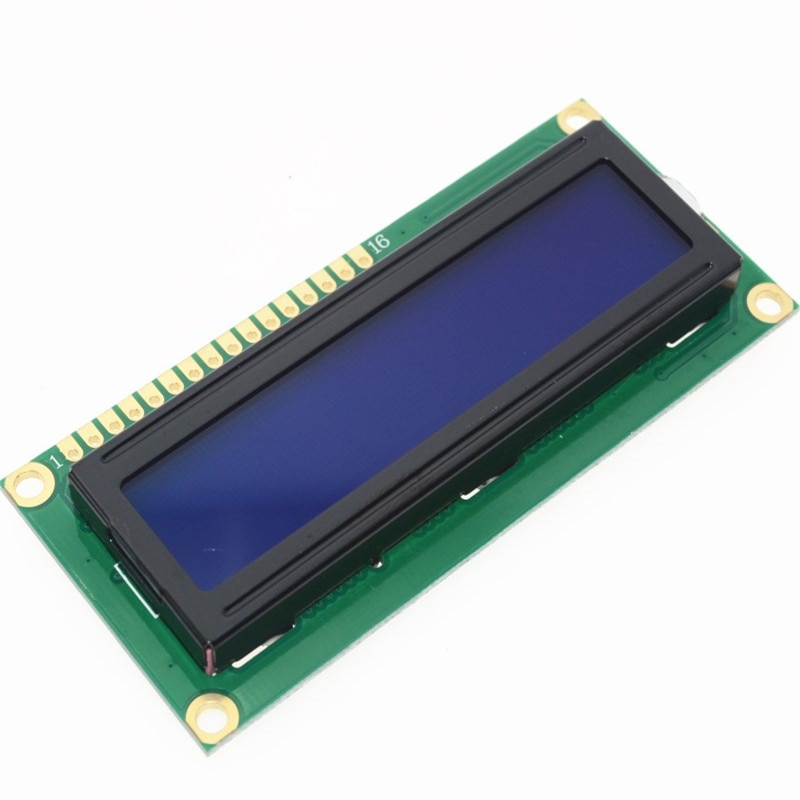
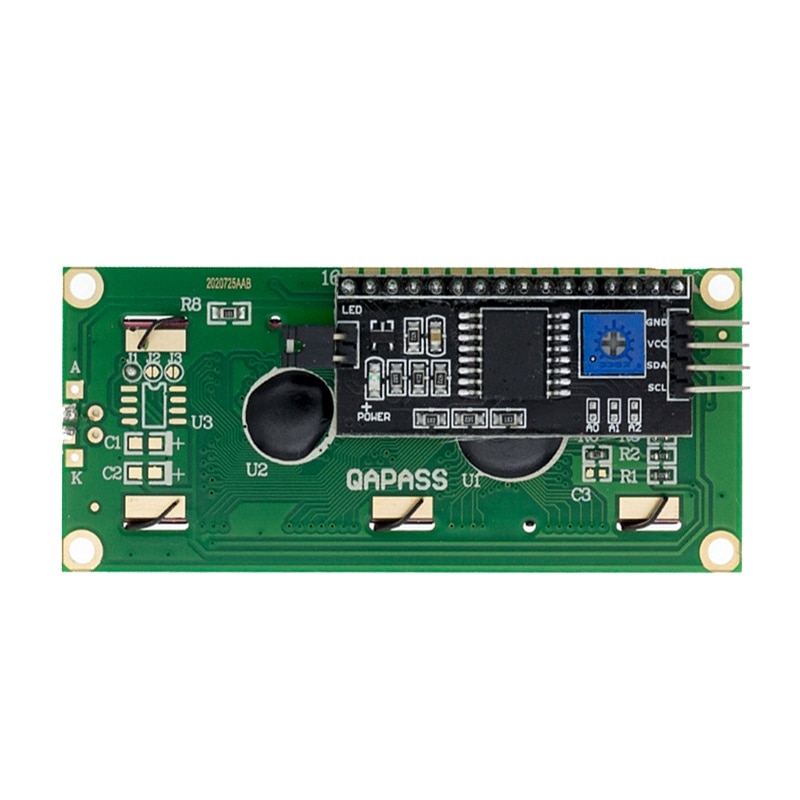
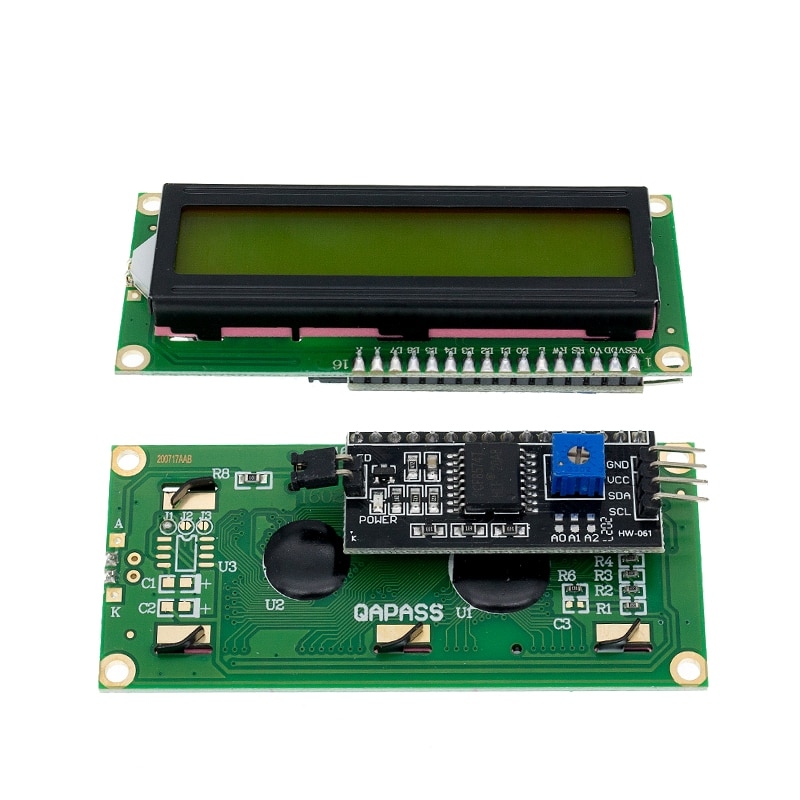
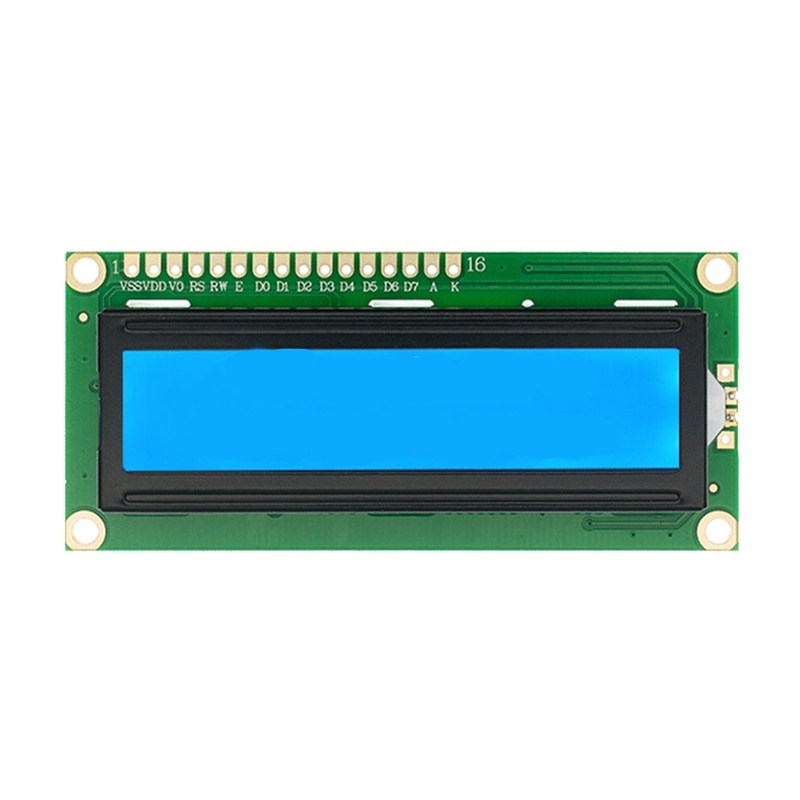
This LCD 1602 module has an I2C adapter pre-soldered to the back of the display, reducing the wiring from 16 individual connections down to 4 — VCC, GND, SDA, and SCL. The PCF8574 I2C expander chip handles the parallel-to-I2C translation, and the I2C address is set by A0/A1/A2 jumpers on the adapter (default 0x27 or 0x3F depending on adapter variant). The blue backlight is controllable from software via the I2C interface.
- 16 characters x 2 lines — standard HD44780 LCD controller
- I2C interface (4 wires) — SDA, SCL, VCC, GND via PCF8574 backpack
- Default I2C address — 0x27 or 0x3F (check jumper labels)
- Blue backlight — software controllable via I2C
- 3.3V–5V supply — onboard regulator on adapter
- Contrast adjustment — onboard potentiometer on backpack
| Specification | Value |
|---|---|
| Display | 16 characters x 2 lines |
| Controller | HD44780 compatible |
| I2C expander | PCF8574 |
| I2C address | 0x27 or 0x3F |
| Supply voltage | 5V (adapter regulates) |
| Backlight colour | Blue (white text) |
Which library works with the I2C LCD 1602?
The LiquidCrystal_I2C library by johnrickman is the most widely used — install it via the Arduino Library Manager. Initialise with LiquidCrystal_I2C lcd(0x27, 16, 2) and call lcd.begin() then lcd.print("Hello"). If nothing displays, try address 0x3F, or run an I2C scanner sketch to find the correct address.
Best for
Arduino sensor readouts, menu displays, temperature monitors, alarm status screens, serial terminal displays, clock and timer readouts, and any project replacing a long 6-wire LCD connection with a cleaner 4-wire I2C bus.
Why Kunkune
Shipped from UK stock. 60-day returns, no minimum order. Fast Royal Mail delivery.
Buying in bulk? For orders of 10+ units, contact us for trade pricing.